Print Studio Software Suite for Textile Print Design | NedGraphics
Design beautiful printed fabrics using our powerful design tools. From concept to production, the NedGraphics Print Studio collections provide all the essential design tools you need to ensure your print designs are reproduced quickly and with precision.
New Engraver Premium and Tonal Tracing workflow support helps customers prepare artwork that meets the requirements of rotary printing and high-volume textile production. By bringing these capabilities into a more streamlined and reliable workflow, production teams can create rotary-ready artwork with greater clarity, efficiency, and confidence.
Save your work directly to OPTINEDCloud for a more connected and accessible design workflow. Visit OPTINEDCloud to learn more.
Select the Print Studio that best suits your needs, whether it’s our Essentials plug-ins for Adobe® Illustrator® or Photoshop®, or our standalone Advanced and Premium print design applications
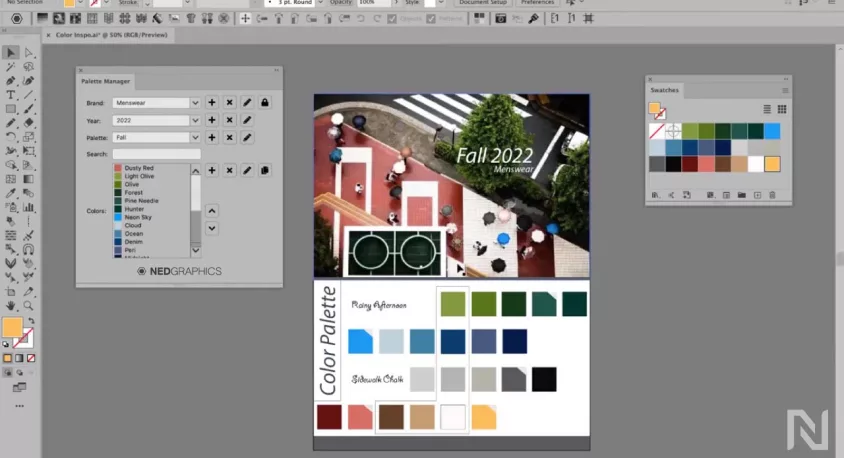
Color Utilities keep colors, patterns, and seasonal palette data organized for design teams. Supporting standard Adobe formats, these color palettes can easily be shared with vendors or brand owners. When a color or palette changes, designers receive updates automatically, in real time, in Adobe Illustrator.
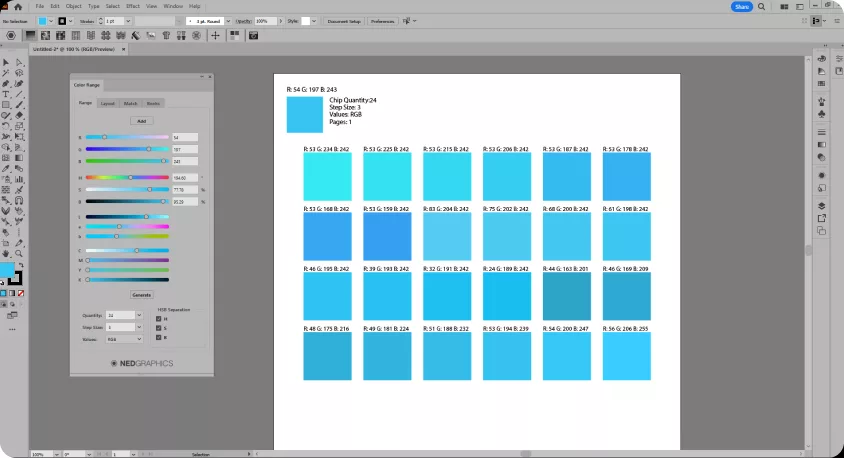
Includes Color Range which helps you match colors to the printed result. From within Adobe Illustrator, users can adjust colors on the fly to accurately match the printer–essential for clothing print design software and apparel design software teams.
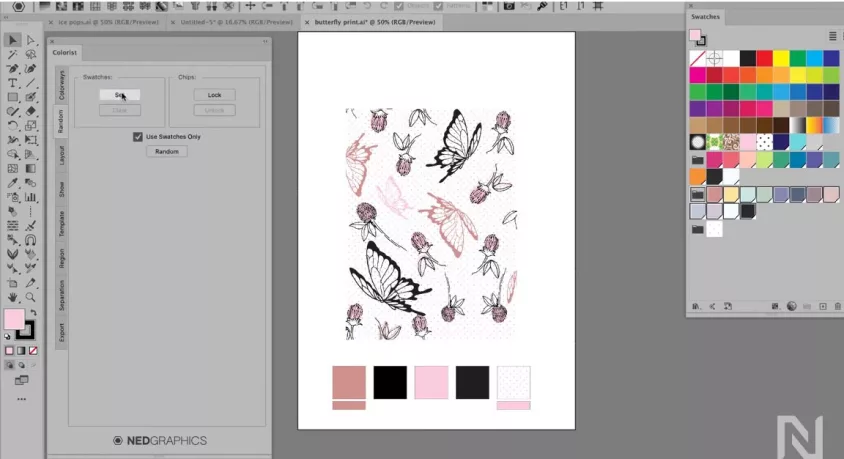
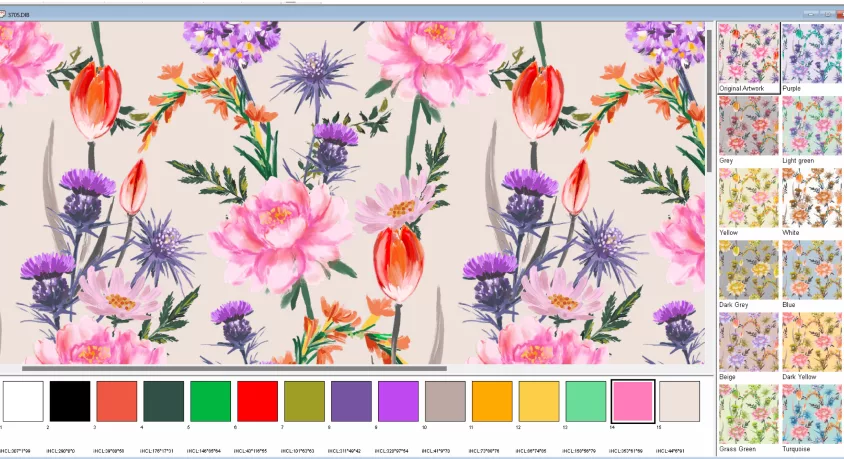
Recolor artwork in Illustrator to create multiple colorways from a single design. Use the random function to swap colors quickly and save the colorways you like. Display versions for presentations or output them directly through the web to print design software workflows.
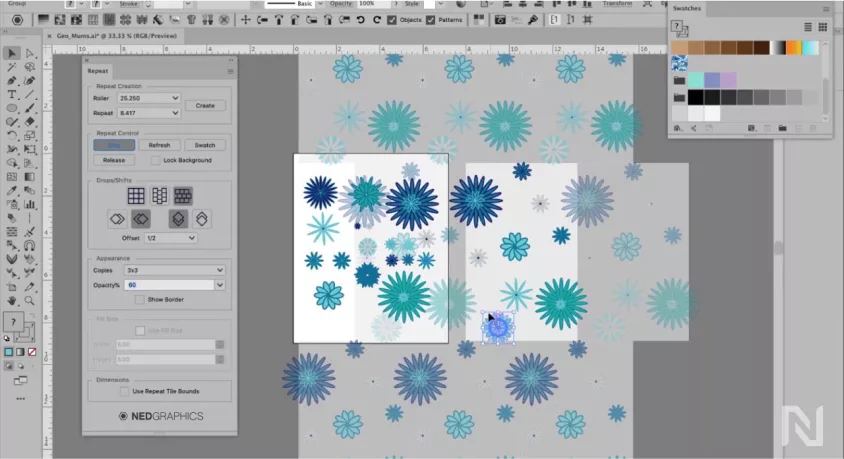
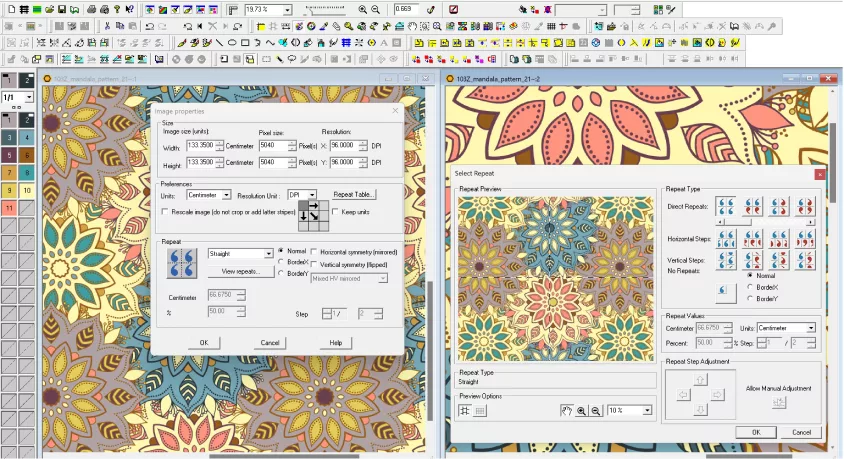
Easily create repeat patterns in Illustrator or Photoshop using straight, drop, shift, and mirror layouts with vector or raster art. Live preview lets you see your design as you work, and you can seamlessly switch between Repeat functions and Adobe tools for professional results.
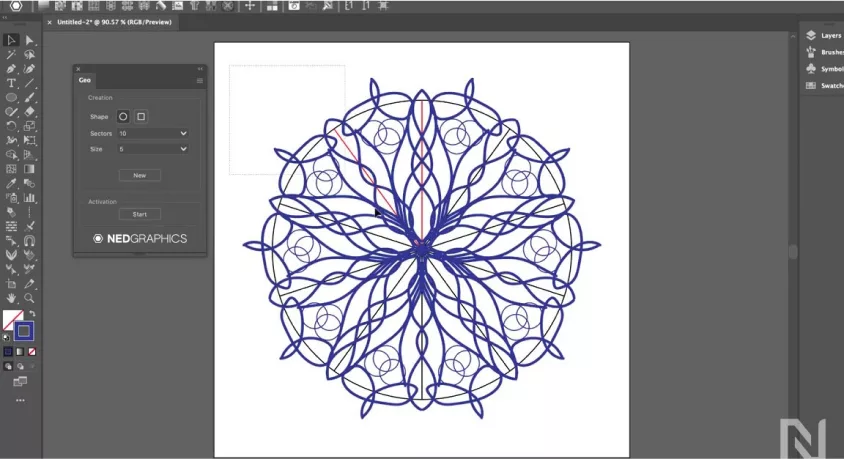
Includes Geo for generating intricate snowflake and geometric motifs, which can be tiled effortlessly. With enhanced repeat options in Illustrator, designers can apply mirror repeats with drops and shifts for greater variation and creative control.
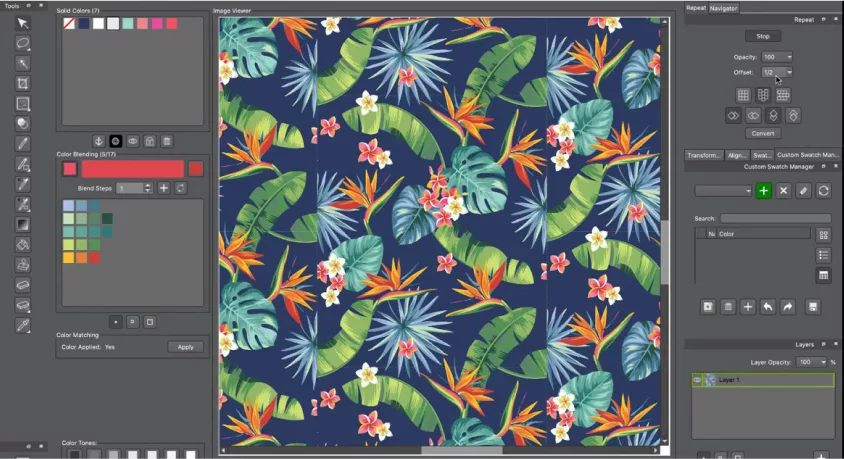
Create raster-based repeats in straight, drop, or shift layouts. Reduce colors for screen printing and clean up stray pixels fast with smart cleanup tools. Work in layers, import motifs—even in indexed mode. Auto-generate pitch sheets, swatches, and screen separations. Plus, autosave protects your work from crashes by recovering your design from the last save point—so you lose less, even when the unexpected happens.
Photoshop supports Artificial Intelligence to create colorways from simple text prompts. Type your idea, click Generate, and receive three AI-created colorways of your current design. Select which colorways to add to your project—or generate more until you find the perfect fit.
This feature helps designers generate colorways to specific themes or ideas quickly, and reduce time spent searching for inspiration. AI blending rules ensure harmonious palettes, color quantity restrictions can be applied, and thumbnail previews make selection easy.
*Exclusive to OPTINEDKey users, with full opt-out controls available.
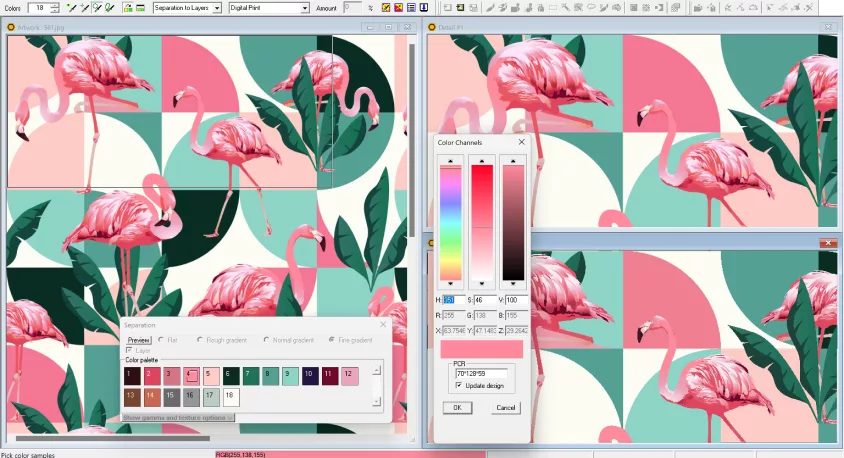
Specialized print design software for processing images and scans, editing and cleaning up image motifs, and reducing the colors to a specified number. Separating an unlimited number of colors captured in image scans into a precise number of flat and tonal colors can be a significant challenge. NedGraphics Color Reduction & Cleaning simplifies the color separation process by applying color reduction techniques optimized for design type, ensuring you’ll achieve the design results you want as quickly as possible. Cleaning tools are specialized to eliminate random pixels or unwanted colors and replace them with the desired colors.
Design your fabrics in repeat mode, with ability to change the repeat type, size, origin point, rescaling etc., while having real time view of finished fabric. Create ombre and ikat designs, and even apply a border pattern. Visualize individual color screens, and apply automated print controls.
Designers and color industry experts can quickly recolor prints, wovens, knits, and graphic files with this ideal solution. Easy Coloring automatically matches the desired color standard for virtually any output device and is equipped with an advanced color calibration engine, ensuring color fidelity from monitor to printer to final product.
Easy Coloring Premium also includes the latest Pantone color libraries built directly into NedGraphics Atlas, giving users immediate access to the newest Pantone colors without leaving the application.
Ready to experience the future of textile colorway software? Schedule a demo with our experts to see how Easy Coloring can streamline your recoloring process, improve accuracy, and elevate your creative results.
We use cookies to enhance your browsing experience, serve personalized ads or content, and analyze our traffic. By clicking "Accept", you consent to our Privacy Policy